For anyone who would prefer a dark background on the Gasroom instead of the default white, this is now available to users.
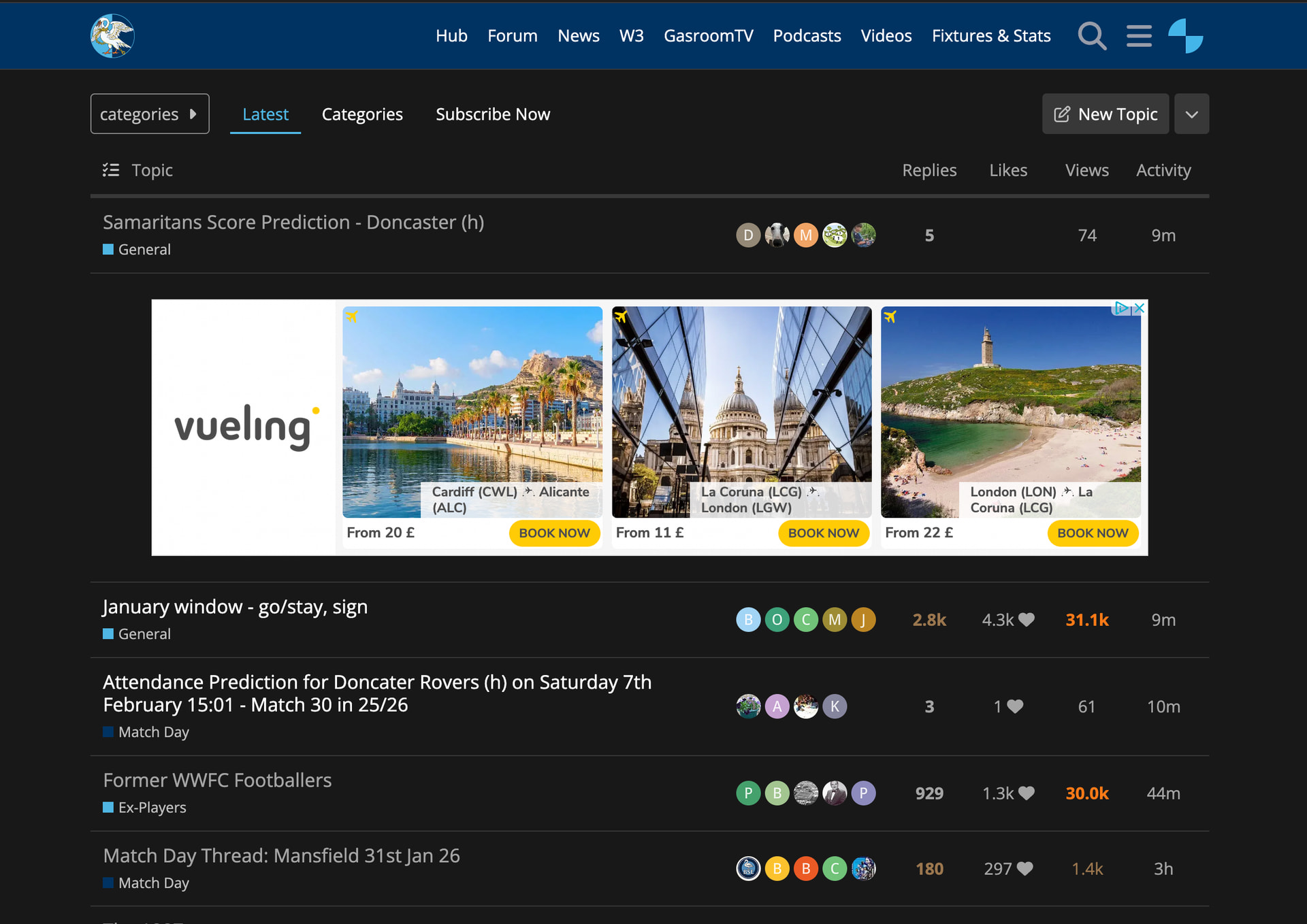
The interface in dark mode looks like this:
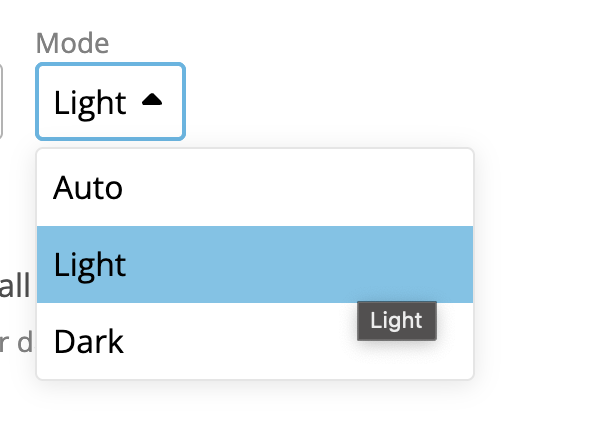
To change to dark mode you need to navigate to Interface:
Click on your User Profile on the top right of the screen > Preferences > Interface > Toggle the Mode drop down to “Dark”
9 Likes
I live my entire life in dark mode
2 Likes
Bayo
3
Does it work on the dark web?
As someone that prefers dark mode, thank you!
Is it possible for it to be a dark Blue, though? Or would that mess up other fonts colours?
1 Like
I’ve been using the Gasroom in dark mode since day one.
Never denied it. Wanna see my Xmal Deutschland tattoo?
1 Like
It’s a little tricky to find a dark blue that won’t merge with the other colours too much, I tried #00001a but not sure it looks that great.
1 Like
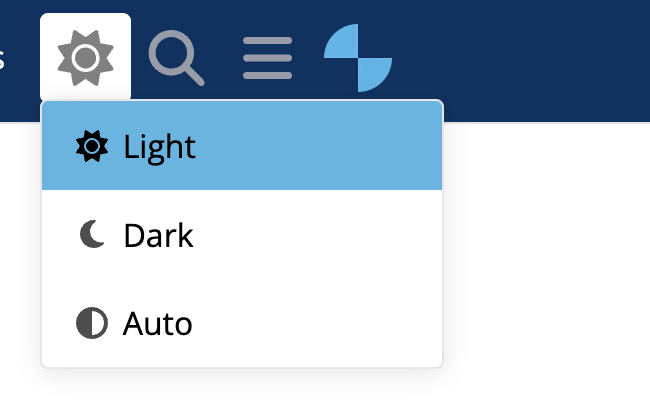
This toggle is now available at the top of the page in the links header. Just click on the sun or moon logo that appears:
1 Like