I just came to post the same thing. Makes it quite hard to see what’s what on mobile.
I seem to be getting lots of footballers interviews now on random pages. Should I see these as a subscriber?
No you shouldn’t.
Sorry about this, we are testing a new video player but it is meant to be for non-subscribers only.
Looking into it!
2 Likes
Seems to have been fixed now. Thanks!
2 Likes
Always comes as a reply. Not clear what is replied to. Apparently to most recent without any clue to previous.
Hi, how do I alter the threads to display the latest post first, rather than having to scroll and sscroll and scroll… 
I see no page numbers either so I can select the last page if the order cannot be altered.
Thanks in advance.
You have two options:
- Change your settings here so your default homepage is ‘Latest’
- Bookmark this page: The Gasroom
I have deployed a new CMP which allows the floating privacy button to be dismissed. Please let me know if it is blocking any core functionality on your device.
We have also added display ads for non-subscribers. If you see any disruptive, offensive or otherwise bad ads, please flag them here.
Apart from Arsenal wasting their marketing budget trying to sell me a home kit for next season, it seems to be working OK.
If you hate ads, or use an ad blocker, please consider subscribing to support the community.
Cheers!
Thanks very much @OxfordBlue for all your continued great work on the new site.
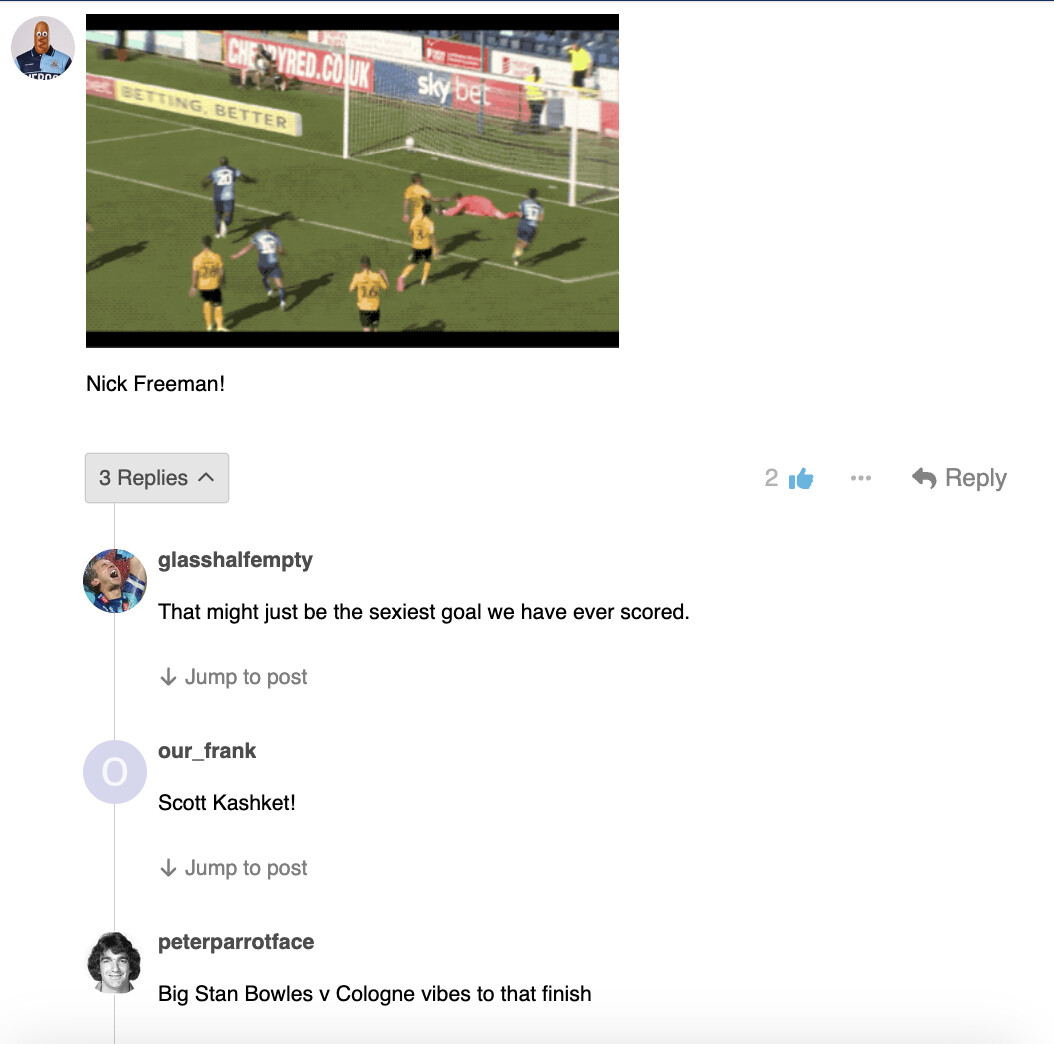
This may have already been discussed, but one thing I find a bit annoying is that you can’t see the post being quoted when someone is replying directly to it. I find you have to click on the user’s icon in the top corner of the new post to go back to the original, before then scrolling back down the thread to wherever you were. Is there anything that can be changed to show the quoted post? And if it’s to save space, maybe a way you can toggle the quoted post on or off?
1 Like
Unfortunately it is not easy to change the default Discourse functionality around quoting. We could pay a developer to build a custom component for this, but it would likely be a few hundred dollars.
You do get a list of all quote replies, by expanding the arrow under a comment - this means you can at least register the replies before you see them later on.
Thanks and no worries - I appreciate the explanation and all you’ve done!
On the version of the site that has app-like features, this navigation block has become much smaller and tricky to use. Not the end of the world, but thought I’d mention it.

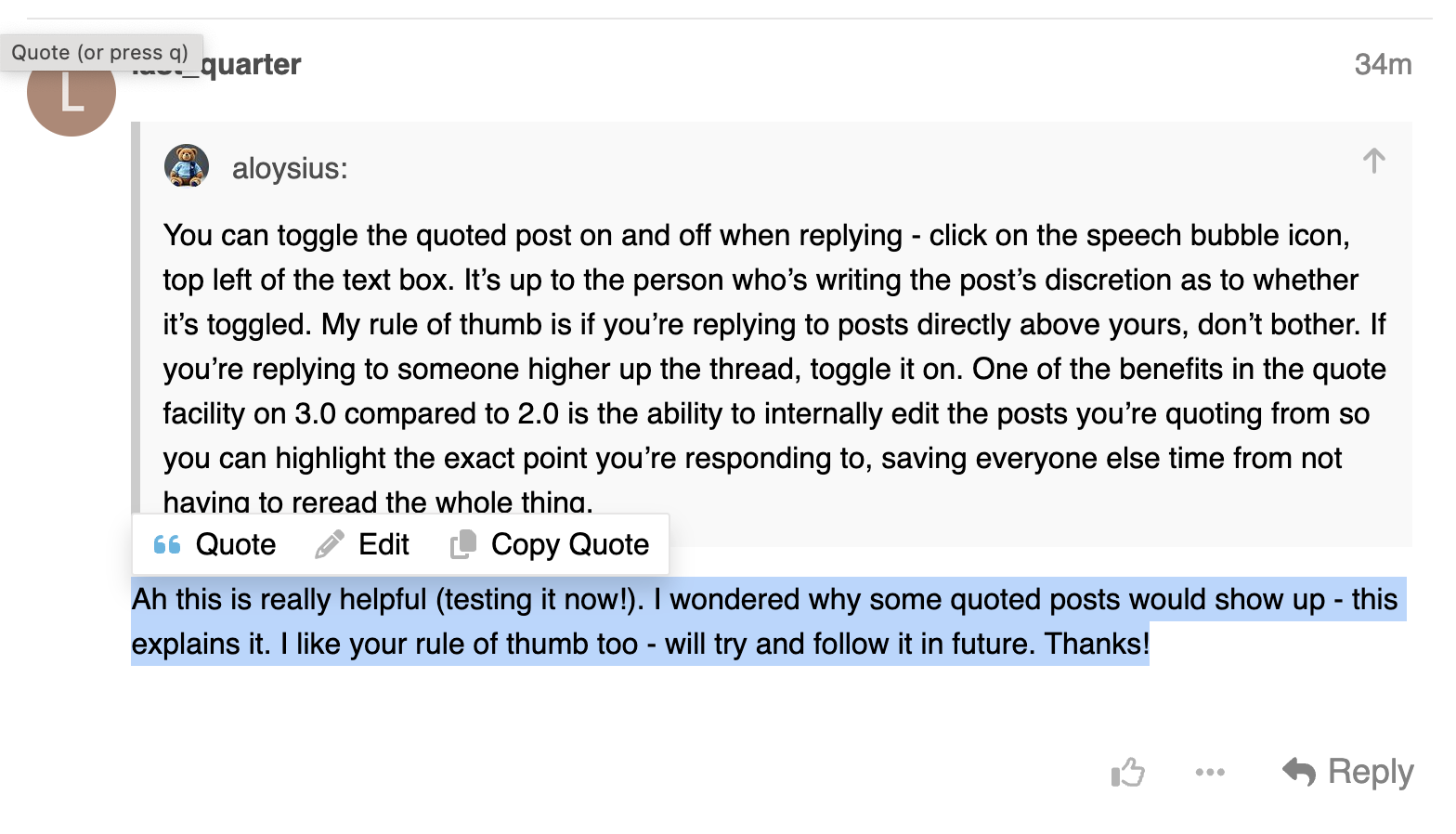
You can toggle the quoted post on and off when replying - click on the speech bubble icon, top left of the text box. It’s up to the person who’s writing the post’s discretion as to whether it’s toggled. My rule of thumb is if you’re replying to posts directly above yours, don’t bother. If you’re replying to someone higher up the thread, toggle it on. One of the benefits in the quote facility on 3.0 compared to 2.0 is the ability to internally edit the posts you’re quoting from so you can highlight the exact point you’re responding to, saving everyone else time from not having to reread the whole thing.
5 Likes
Thanks, will try and figure it out.
Any better now?
Ah this is really helpful (testing it now!). I wondered why some quoted posts would show up - this explains it. I like your rule of thumb too - will try and follow it in future. Thanks!
Excellent - that’s really helpful.
Yes - thank you.
2 Likes
Qué?